
SVG Stencil Maker
Turn your image into scalable stencil paths. Try every editing tool free; Pro adds SVG files for compatible vinyl cutters and laser software.
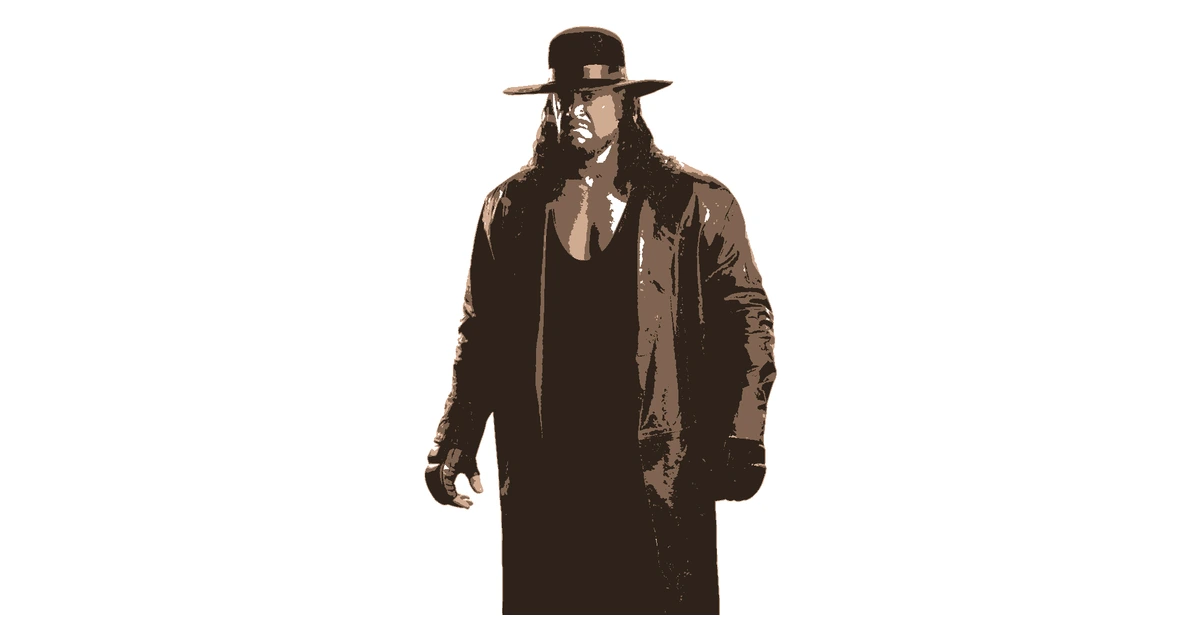

From Image to SVG Stencil
Upload a clear image, choose a style and simplify it into connected shapes. The editor works with your image in the browser. Adjust thresholds and use the brush or eraser before tracing the result.
Check each layer for highlighted islands. Connect their centres with bridges wide enough for the material you plan to cut. Fixing the geometry here saves an extra editing step after export.
Scalable SVG Vector Export
Choose SVG in the export panel. Pro exports traced boundaries and enclosed holes as vector paths. Every layer has the same viewBox and physical dimensions; registration marks can help line up separate cuts.
Vector export does not recover detail that was removed while processing the photo. Inspect the stencil at the size you intend to make. Free accounts can proof it first using PNG or PDF.
For Cricut, Vinyl and Laser Workflows
Import the file into software that accepts SVG, then check dimensions, layer grouping and cut settings. For Cricut, the dedicated Cricut option groups aligned layers into one SVG.
Choose blade or laser settings in your machine software. Start a new design in the stencil maker, or compare the export formats on the plans page.
Frequently Asked Questions
Is SVG export free?
SVG is a Pro format. You can upload, edit and preview for free; a free account downloads PNG or PDF. Paid upgrades are not available yet.
Does the SVG contain real vector paths?
Yes. The export traces the boundaries of each layer, including enclosed holes. All layers share a viewBox and physical artwork dimensions.
Will a vector export restore missing detail?
No. A vector file preserves the processed stencil shapes. Check the preview and simplify tiny pieces before exporting; enlarging it cannot recover detail removed during conversion.
Still have questions? Contact support →
Make Your First Stencil
Upload an image and make your first stencil in about a minute — free, no signup to try.