
Photo to Stencil Converter
Turn a photo into a stencil you can print and cut. Upload your image, simplify the tones, then connect the details you want to keep.
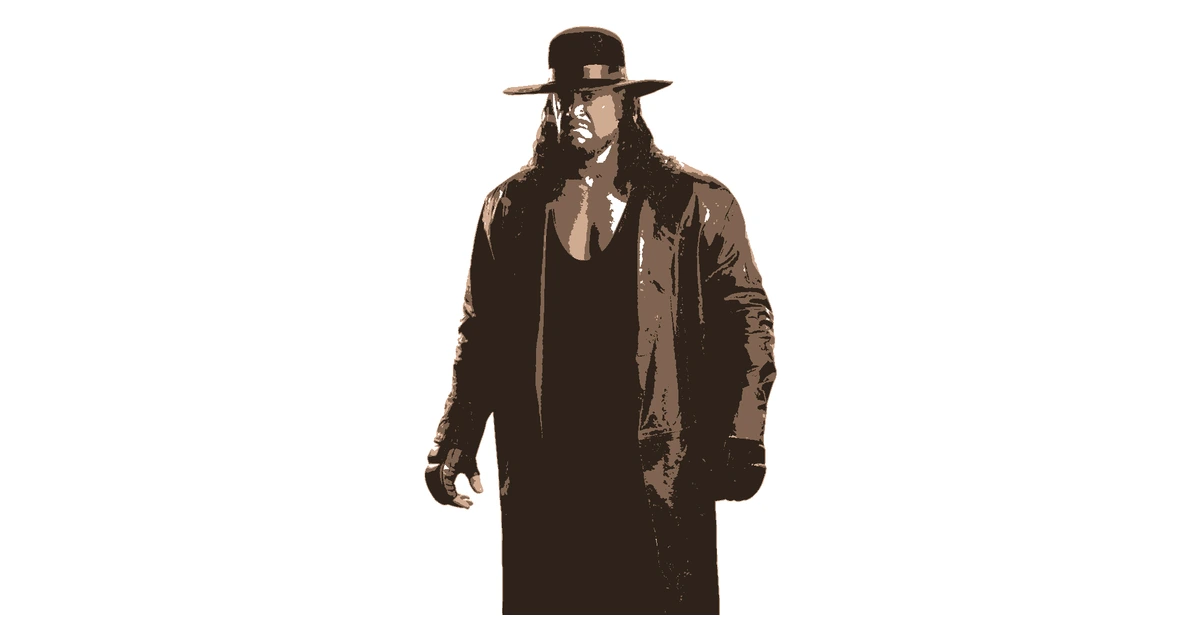
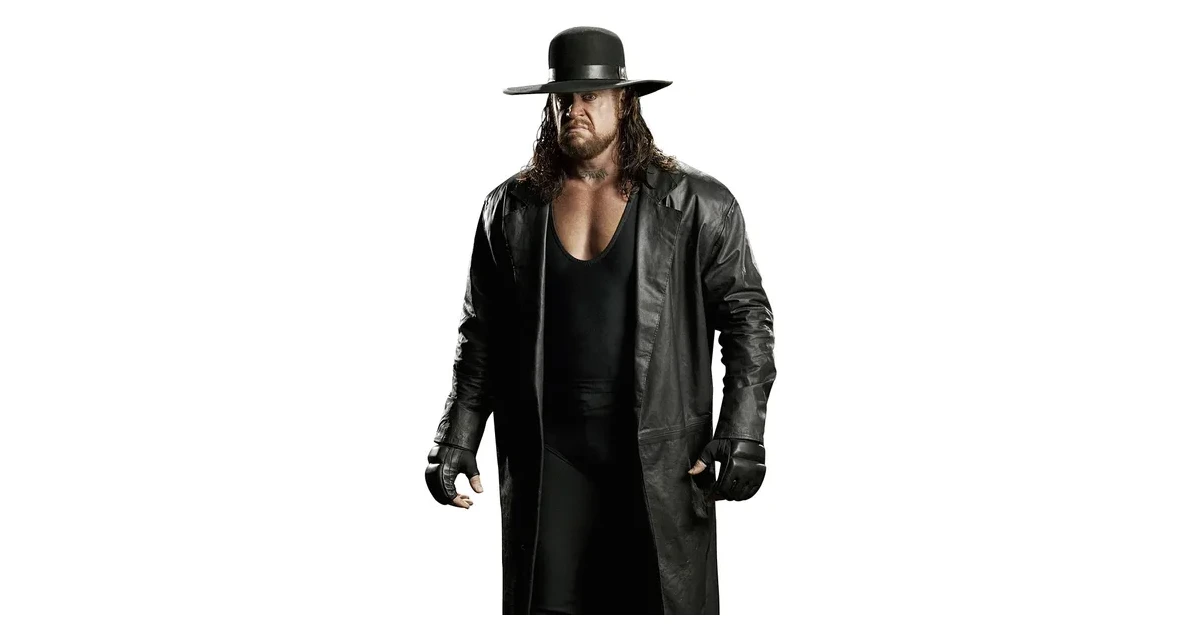
Turn a Photo Into a Stencil
Start with a portrait, pet, logo or clear object. JPG, PNG and WebP images up to 10MB open directly in your browser. A simple background and a tight crop help the subject stay readable when its shading becomes solid shapes.
Choose Bold for one chunky layer, Detailed for finer lines, or a layered style for shading. Drag the threshold while comparing the result with your original image. You can keep adjusting without creating an account.
Image to Stencil: Printable PNG and PDF
Black areas in the print mask are the cutouts; white areas are the material you keep. Highlighted islands are pieces of that material that would fall out. Bridge them, fill them in or move the detail to a touch-up layer.
A free account downloads up to three layers as PNG or PDF, one page per layer. Set A4 or Letter and the artwork width, then print at actual size. Pro adds vectors and larger tiled layouts.
A Custom Stencil From Your Own Picture
Use a single layer for a paper craft, sign or simple portrait. Several layers can reproduce a face with light, shadow and darker detail. Preview one layer at a time so small pieces do not hide behind the composite.
For the complete free allowance, see the free stencil maker. Return to the stencil maker for the full workflow.
Frequently Asked Questions
How do I make a stencil from a photo?
Upload a JPG, PNG or WebP, choose a style and adjust the threshold. Check the highlighted loose pieces, then bridge or fill them before downloading.
What is the best image to stencil input?
Use a clear subject, a simple background and a large difference between light and dark. A close crop usually works better than a distant subject surrounded by detail.
Can I turn a photo into a stencil without signing up?
Yes. The converter and editor work without an account. Create a free account when you are ready to save or download up to three layers as PNG or PDF.
Still have questions? Contact support →
Make Your First Stencil
Upload an image and make your first stencil in about a minute — free, no signup to try.