
DXF Stencil Maker
Build connected cutting outlines from a photo or logo. Set a physical size and export a DXF with Pro, then check the paths in your machine software.
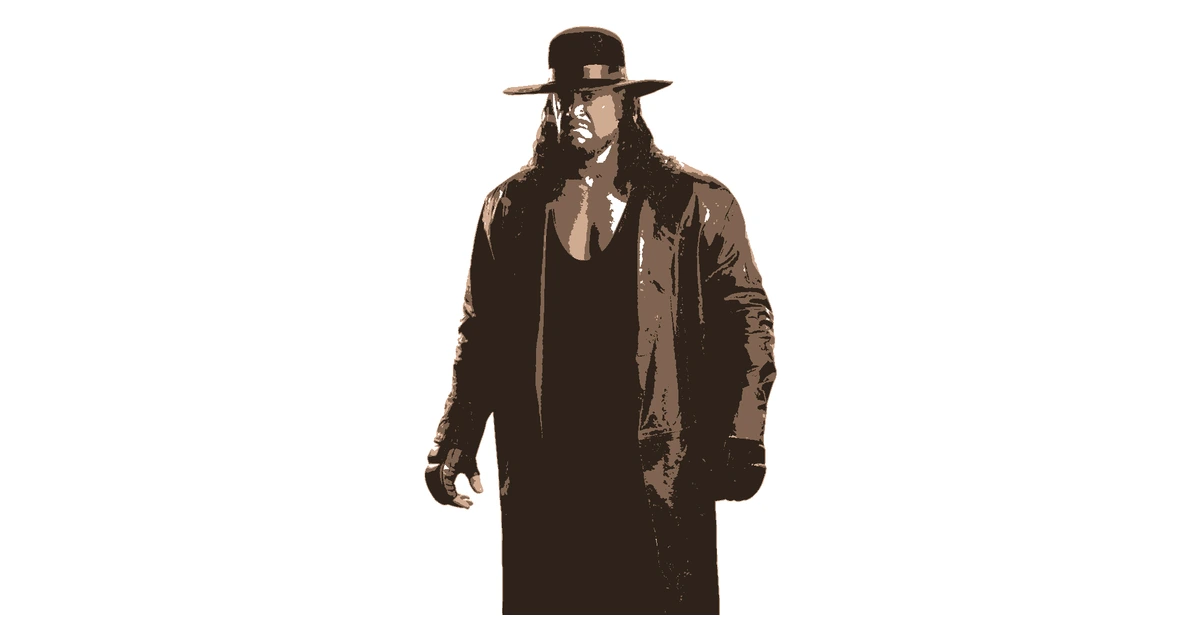
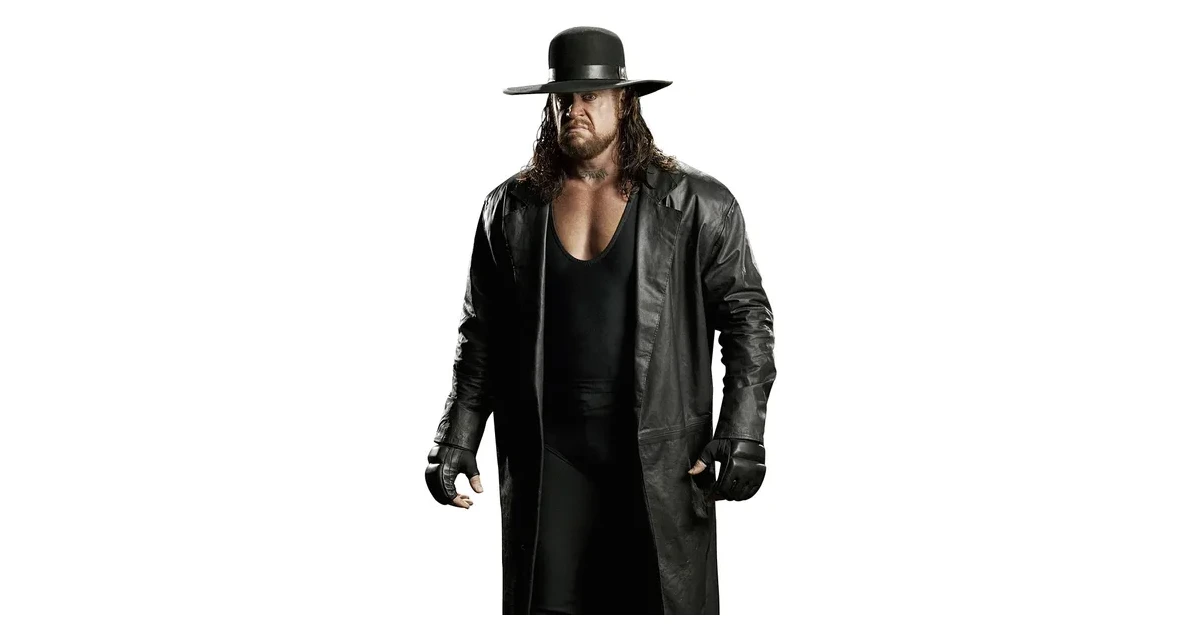
Prepare Your Image for DXF
Choose a bold logo, silhouette or high-contrast photograph. A single layer is a useful starting point for a cutting pattern. Inspect fine lines and use bridges to connect enclosed areas.
Use the original-image comparison to decide which details matter. Erase small fragments that add cutting time without improving the final design.
Closed DXF Paths at Physical Scale
Set the artwork width in centimetres and choose DXF in the export panel. Pro generates closed polylines using millimetres. Exported layers share the same artwork bounds.
The DXF contains outlines, not speed, power or toolpath settings. Check the imported width and all enclosed paths in your CAD or cutter software before creating a machine job.
For Laser and CNC Stencil Preparation
Connected shapes are useful when cutting a reusable stencil from a suitable sheet material. Your machine, material thickness and tool width determine how fine the details can be.
Print a paper proof with the free PNG or PDF option before committing material. Return to the stencil maker to prepare another design.
Frequently Asked Questions
What units does the DXF use?
The file uses millimetres and closed polylines. The artwork width comes from the centimetre setting in the export panel. Confirm the imported width in your cutting software.
Does the file include laser power or speed?
No. It contains geometry, not a machine job. Choose power, speed and material settings in the software supplied for your cutter.
Can I download DXF on the free plan?
DXF export requires Pro. PNG and printable PDF downloads are available with a free account, up to three layers and one page per layer.
Still have questions? Contact support →
Make Your First Stencil
Upload an image and make your first stencil in about a minute — free, no signup to try.