
Tattoo Stencil Maker
Turn your design, photo or sketch into a printable reference. Refine the lines, check the scale and prepare a PDF for your transfer workflow.
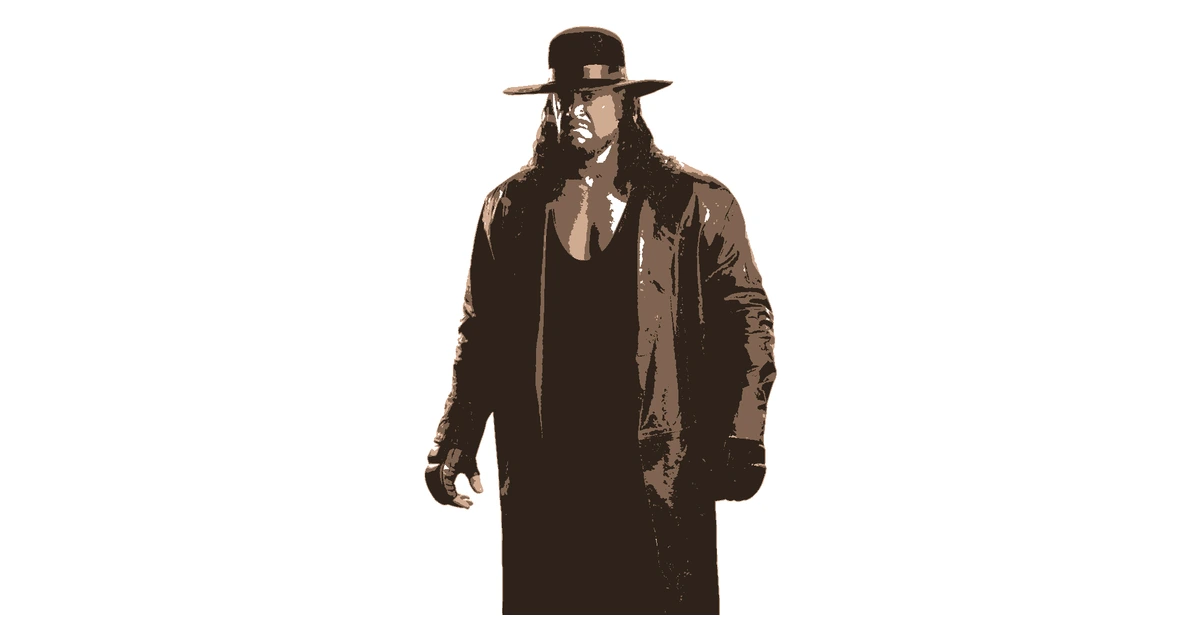
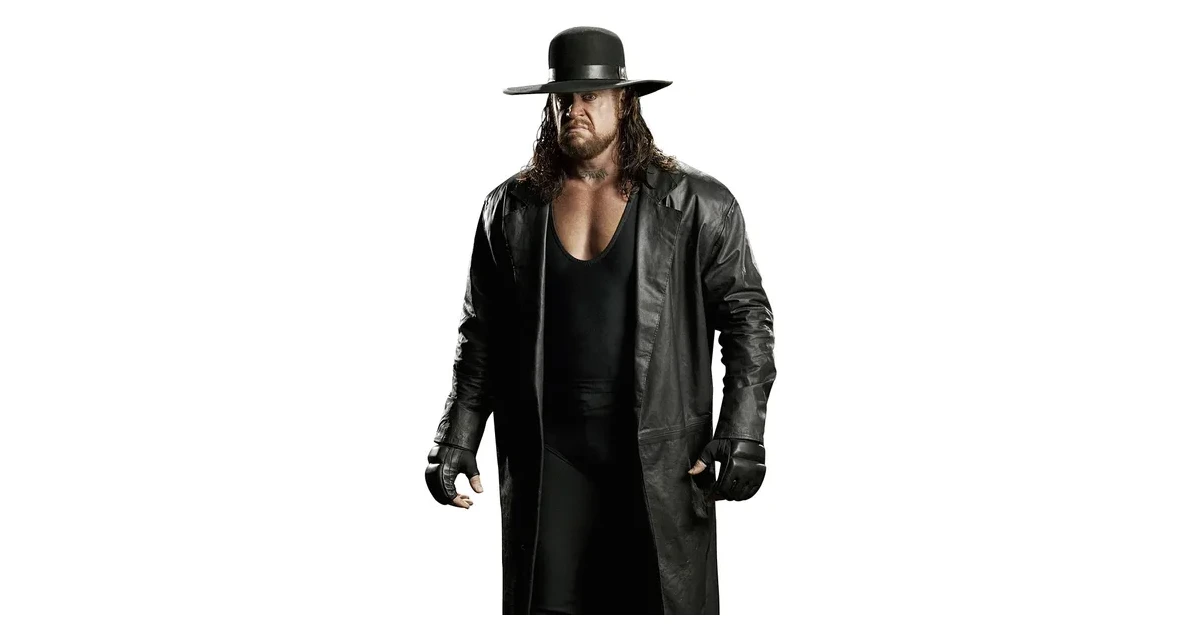
From Photo or Sketch to Tattoo Reference
Start with a clear design you have permission to use. Crop closely and try the Detailed single-layer style. Adjust the threshold until the important lines remain visible.
Remove background texture and tiny fragments with the eraser. Use the original-image comparison to check whether the reference still reads clearly at its intended size.
Printable Transfer Templates in PDF or PNG
Set the physical width and choose PDF or PNG. A free account downloads up to three layers, one page per layer, without a watermark. For a line reference, a single layer is usually the clearest starting point.
Use compatible thermal transfer paper and printing equipment. Check actual print size, orientation and line clarity before preparing a transfer.
For Artists Preparing a Design
The editor helps you simplify and size a visual reference. You control which detail to retain and how the printed design fits into your existing studio workflow.
Try another image in the stencil maker. Preview and editing are free without an account.
Frequently Asked Questions
Can I make a tattoo stencil from a photo?
Yes. Choose a clear reference, crop to the subject and start with the Detailed single-layer style. Adjust the threshold and remove background noise before printing.
Can I print on thermal transfer paper?
Export a PDF at the intended physical size and use a compatible printer and transfer paper. Check scale, orientation and line clarity in your printing workflow.
Are tattoo reference downloads free?
A free account downloads PNG or PDF, up to three layers and one page per layer. Editing and previewing need no account.
Still have questions? Contact support →
Make Your First Stencil
Upload an image and make your first stencil in about a minute — free, no signup to try.