
PDF Stencil Maker
Make a stencil for your home printer. Choose A4 or Letter, set the artwork width and download a PDF with a free account. Pro adds tiled printing.
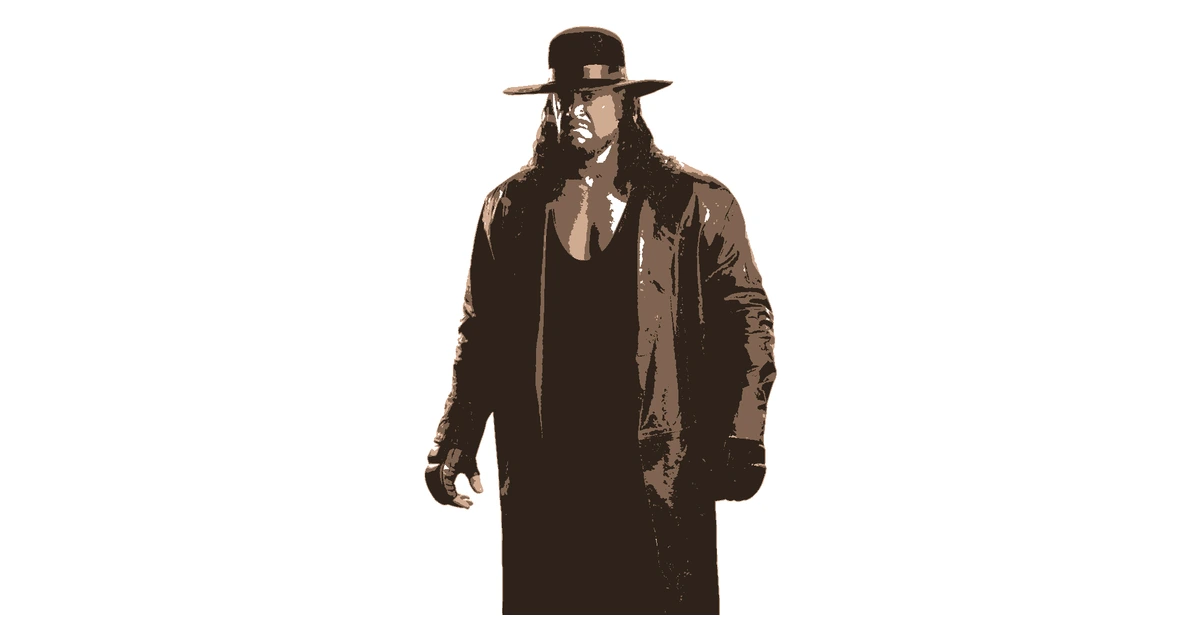
Turn a Picture Into a Printable Stencil
Upload a photo or illustration, choose a style and check each layer. Connect loose pieces using the bridge tools, or simplify them with fill and erase.
Your image is processed in the browser. You can finish the design and preview its print layout before creating the free account needed to download.
A4, Letter and Full-Scale PDF Printing
Choose PDF, set A4 or Letter and enter the artwork width. Free downloads support up to three layers with one page per layer. Registration marks help align layered work.
Pro can tile larger artwork across multiple sheets. Preview the page count before exporting. Print at 100% or actual size, measure the first sheet, then align the sheets for a full-size pattern.
For Hand Cutting, Painting and Transfers
A printed PDF is a useful starting point for paper stencils, craft projects and transfer references. Pick a width that fits your surface and keep enough border to hold the sheet securely.
Test fragile bridges on a small print before working at full size. Use the stencil maker to start from another image.
Frequently Asked Questions
Can I print an A4 or Letter stencil for free?
Yes. A free account downloads up to three layers, with one sheet per layer. Choose A4 or Letter and keep the artwork within the printable area.
How do I keep the stencil at the right size?
Set the artwork width before downloading. Print at 100% or actual size, not fit to page, then measure a test print. Registration marks need some room around the artwork.
Can I print a stencil larger than one sheet?
Pro adds tiled PDF output. The export panel shows the sheet count before download. Line up the registration marks and join the sheets before cutting.
Still have questions? Contact support →
Make Your First Stencil
Upload an image and make your first stencil in about a minute — free, no signup to try.