
Multi-Layer Stencil Maker
Build light, shadow and colour one layer at a time. Preview each pass, repair its loose pieces and keep your printed layers aligned.
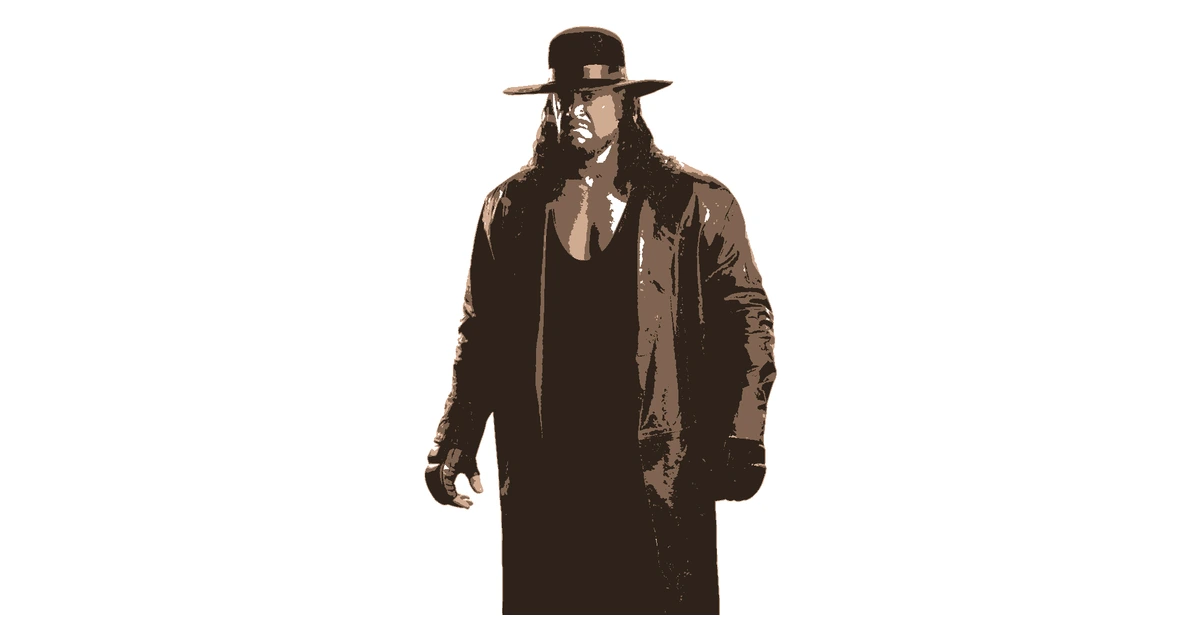
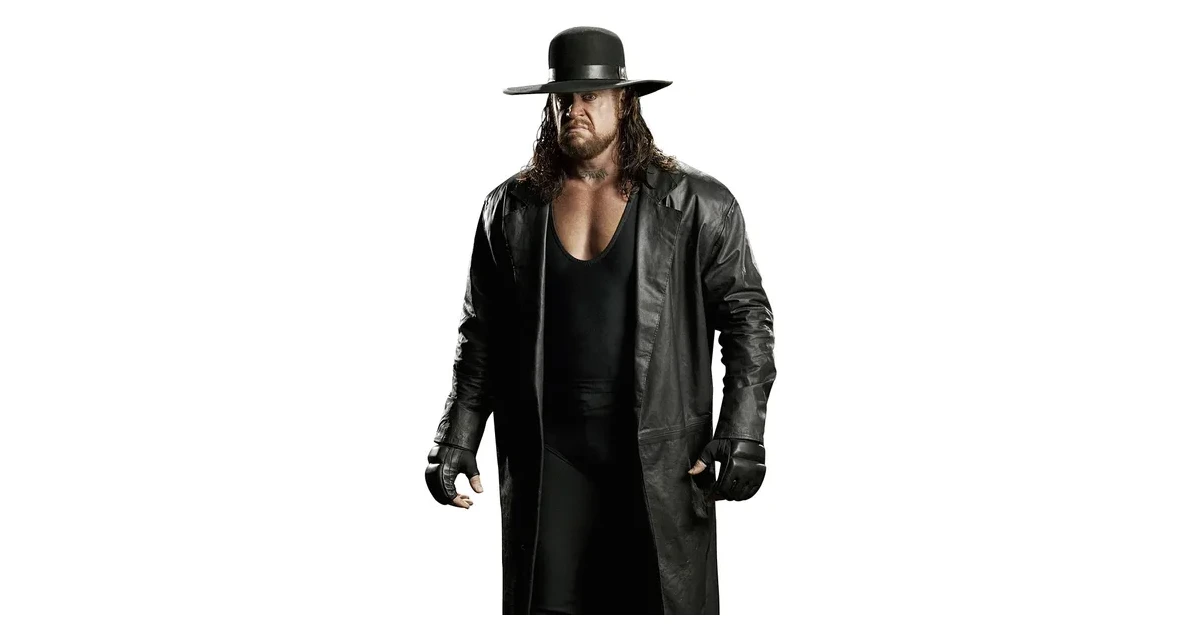
Separate a Photo Into Stencil Layers
Choose a tonal style to separate a photograph into light, shadow and detail. Colour styles work well for logos and illustrations with a limited palette. Each layer remains independently editable.
Toggle visibility to inspect one pass at a time. Change its colour, move its threshold or adjust smoothing. Use undo to compare a change before keeping it.
Export Aligned Layers for Printing
Every layer uses the same artwork bounds. Enable registration marks and download a PNG or PDF for each pass. Free accounts export up to three layers on single pages; Pro exports all project layers and tiled prints.
Projects currently support up to 24 layers. The same editing tools are available to free and Pro users; the plan difference is in export formats, layers and printing.
For Screen Printing and Layered Painting
For tonal painting, start with the lightest base and finish with the darkest details. For colour-separated work, test the paint order with your inks and material.
Check bridges separately on every layer, then make a small proof with the registration marks. Return to the stencil maker for a fresh image.
Frequently Asked Questions
How many layers can I edit?
Every account uses the same editing tools. Projects currently support up to 24 layers for browser performance. Free downloads include up to three selected layers; Pro exports every project layer.
What order should I paint the layers?
For tonal stencils, start with the light base coat, then add shadows and finish with the darkest detail. Use the preview and visibility controls to check your chosen colours.
Do the layers stay aligned?
Exports use the same artwork bounds. Keep registration marks enabled and match them between sheets. Test the alignment on paper before working on the final surface.
Still have questions? Contact support →
Make Your First Stencil
Upload an image and make your first stencil in about a minute — free, no signup to try.